Eclipse countdown apps: helpful theater, dangerous precision—why the map still wins
Ten. Nine. Eight. A voice in your pocket counts toward totality while the light drains from the landscape. Used well, an eclipse countdown app is excellent theater: it builds anticipation, reminds a group what comes next and lets you keep your eyes on the sky rather than a wristwatch.
But the impressive display of hours, minutes and seconds can create confidence the device has not earned. A timer may be calculating for the wrong coordinates, reading a drifting phone clock, carrying stale eclipse data or waiting for a notification that the operating system delivers late. Even a mathematically correct contact time is a prediction for one location—not permission to uncover your eyes while bright sunlight remains visible.
Our rule is simple: use a timer as a cue, not as the authority. Establish what kind of eclipse reaches your exact site with the Helioclipse Eclipse Explorer, verify the local circumstances, and let the actual appearance of the Sun determine safe viewing. That hierarchy matters especially for the total solar eclipse of August 12, 2026, when moving across a path boundary changes the experience from total to partial.
This eclipse countdown app timer accuracy disclaimer 2026 guide explains where false precision comes from, how to test a device before eclipse day and what to do if every screen goes blank at the worst possible moment.

A countdown knows a time; a map knows where that time applies
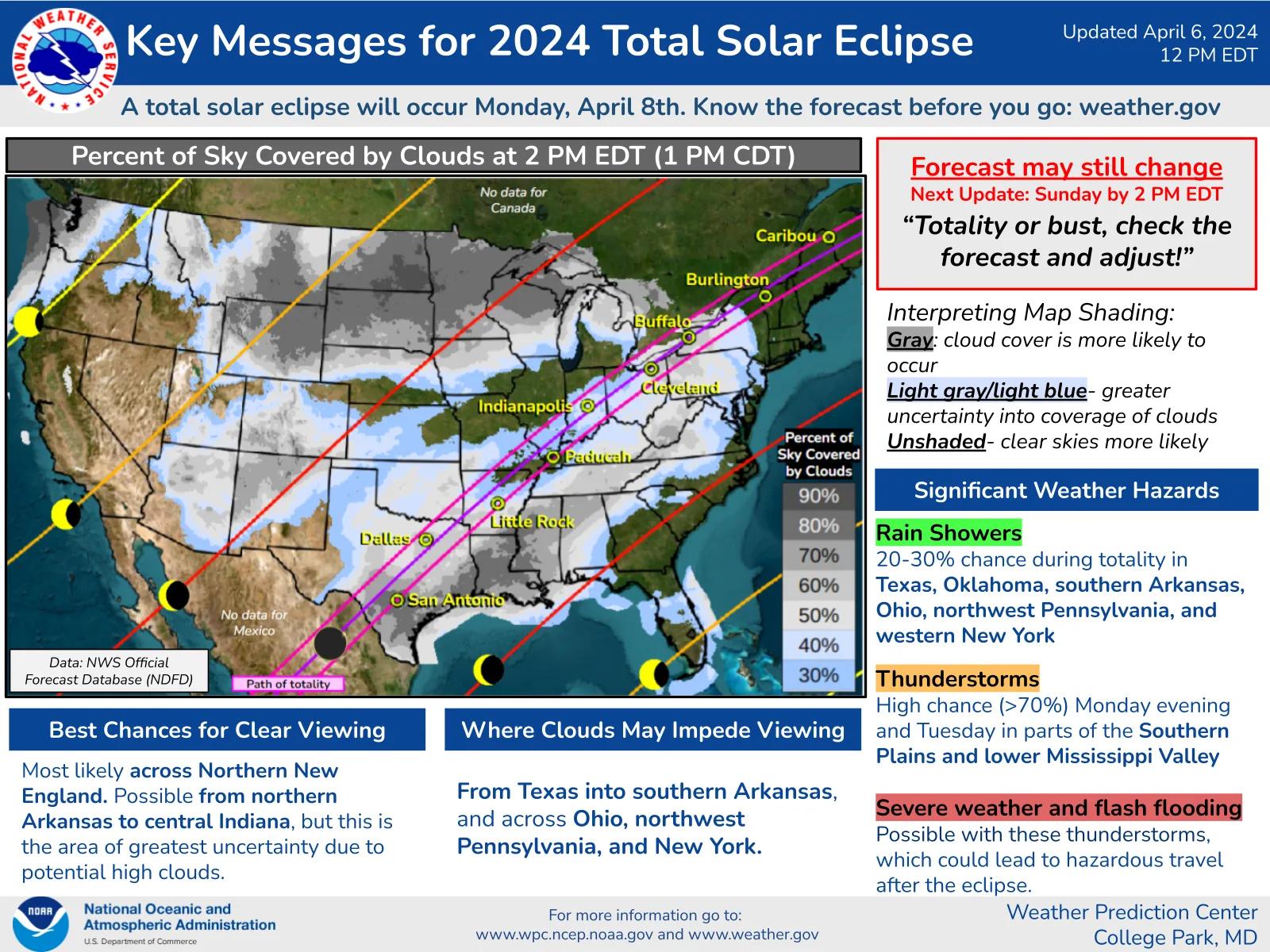
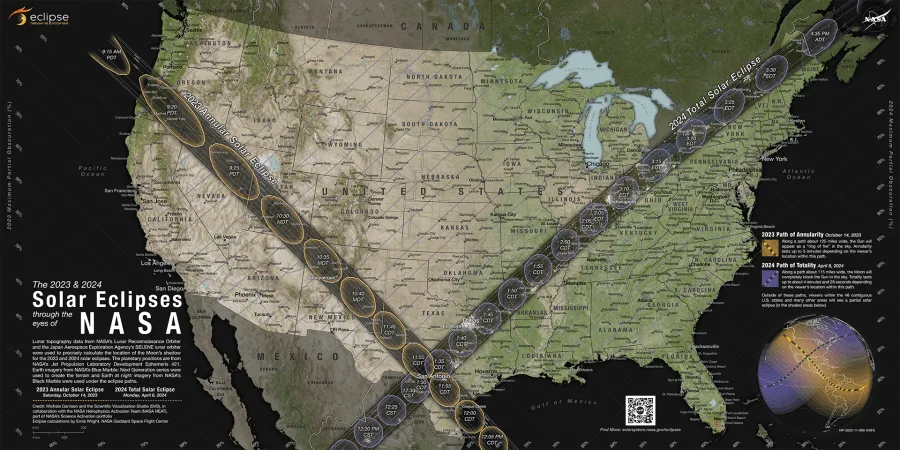
An eclipse is not a single global appointment. The Moon’s shadow moves across Earth, so first contact, maximum eclipse, the beginning and end of totality, and final contact occur at different times from different places. The type of eclipse also changes across space: observers inside the umbral path can experience totality, while those outside it see a partial eclipse.
On August 12, 2026, totality crosses parts of Greenland, Iceland and Spain. Madrid remains outside the path and receives a deep partial eclipse, while locations within the path in northern Spain experience totality close to sunset. Reykjavík lies within the total-eclipse path, but the Sun’s position, local duration and weather stakes differ from those in Spain. A single national countdown cannot represent all those circumstances.
A map reveals the distinction a big digital clock hides. It shows whether your chosen field, beach or town is inside or outside the path, how close it is to the edge, and how the duration changes as you move across the shadow. Before trusting any timer, place the pin on the actual observing site—not your hotel, nearest city or current position at home. Our 2026 planning guide provides the larger event context, while the Explorer supplies the location-specific geometry.
The edge deserves particular caution. Duration declines slowly across much of a totality path and then rapidly near its boundary. A historical example described by Space.com illustrates the geometry: in the 2017 path, a site about 5 miles, or 8 kilometers, from the edge received roughly half the maximum duration. The exact relationship differs for every eclipse, but the lesson is durable—being technically inside the path is not the same as having a comfortable margin.
That is why the map still wins. It exposes the assumptions behind the countdown before the clock begins to perform.
Where apparent precision breaks
Eclipse predictions themselves are extremely good. Astronomers can calculate the alignment of the Sun, Moon and Earth far in advance. Trouble usually enters when a reliable prediction is converted into an instruction for one phone, one person and one patch of ground.
The coordinates may be wrong
A location-aware app can use GPS to calculate local circumstances, but a phone’s position estimate is not infallible. Dense buildings, steep terrain, weak satellite visibility, disabled location services or an approximate-location privacy setting can move the reported point. Some apps retain the last known position when a fresh fix is unavailable. Others default to a selected city or the center of a broad region.
A small coordinate error may barely affect the long partial phases. Near a totality boundary, however, it can determine whether totality exists at all. Confirm the displayed latitude and longitude or tap the observing point manually on a detailed map. Do this after reaching the site, then check again if you relocate for clouds.
The device clock may not be synchronized
Phones normally obtain network time automatically, but “normally” is not a safety system. Manual clock settings, an incorrect time zone, disabled automatic updates or a device that has been offline for days can create an offset. The countdown may look smooth while being consistently early or late.
Compare the phone with a reputable time source before leaving coverage. Check that automatic date, time and time-zone settings are enabled. If several devices disagree, investigate the difference rather than choosing the screen with the most convincing interface.
Notifications are not laboratory triggers
Mobile operating systems manage battery use, background activity and notification delivery. Low-power modes can suspend work; a closed app can lose privileges; audio can be muted or routed to headphones; an overloaded device can pause; and an alert scheduled for a contact time may arrive late. Android models and iPhones do not all treat background tasks identically.
For that reason, eclipse countdown app timer accuracy disclaimer iphone and eclipse countdown app timer accuracy disclaimer android are not separate astronomical standards. They point to different software environments wrapped around the same practical warning: test the exact device, operating-system version, settings and audio route you will use.
Data can be stale or selected for the wrong event
An old eclipse timer app 2024 installation or an archived eclipse countdown 2024 app page may still open and run perfectly. That does not mean it has loaded the August 12, 2026 eclipse. Confirm the date, eclipse type and selected location rather than assuming an update occurred automatically.
The same applies to an eclipse countdown app free of charge. Price tells you nothing about the age of its ephemeris, the transparency of its calculations or its offline behavior. A reputable free tool can be excellent; an expensive one can still be configured incorrectly. An eclipse countdown app timer accuracy disclaimer free should explain those dependencies just as clearly as a paid product does.
The safety rule no timer is allowed to override
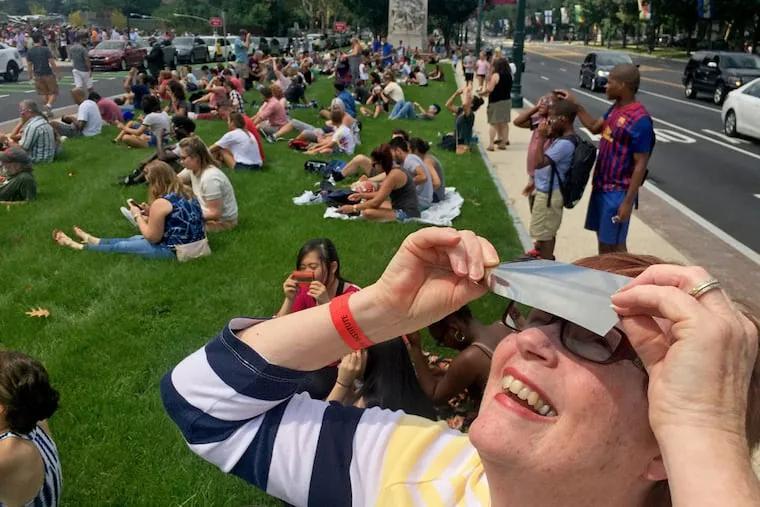
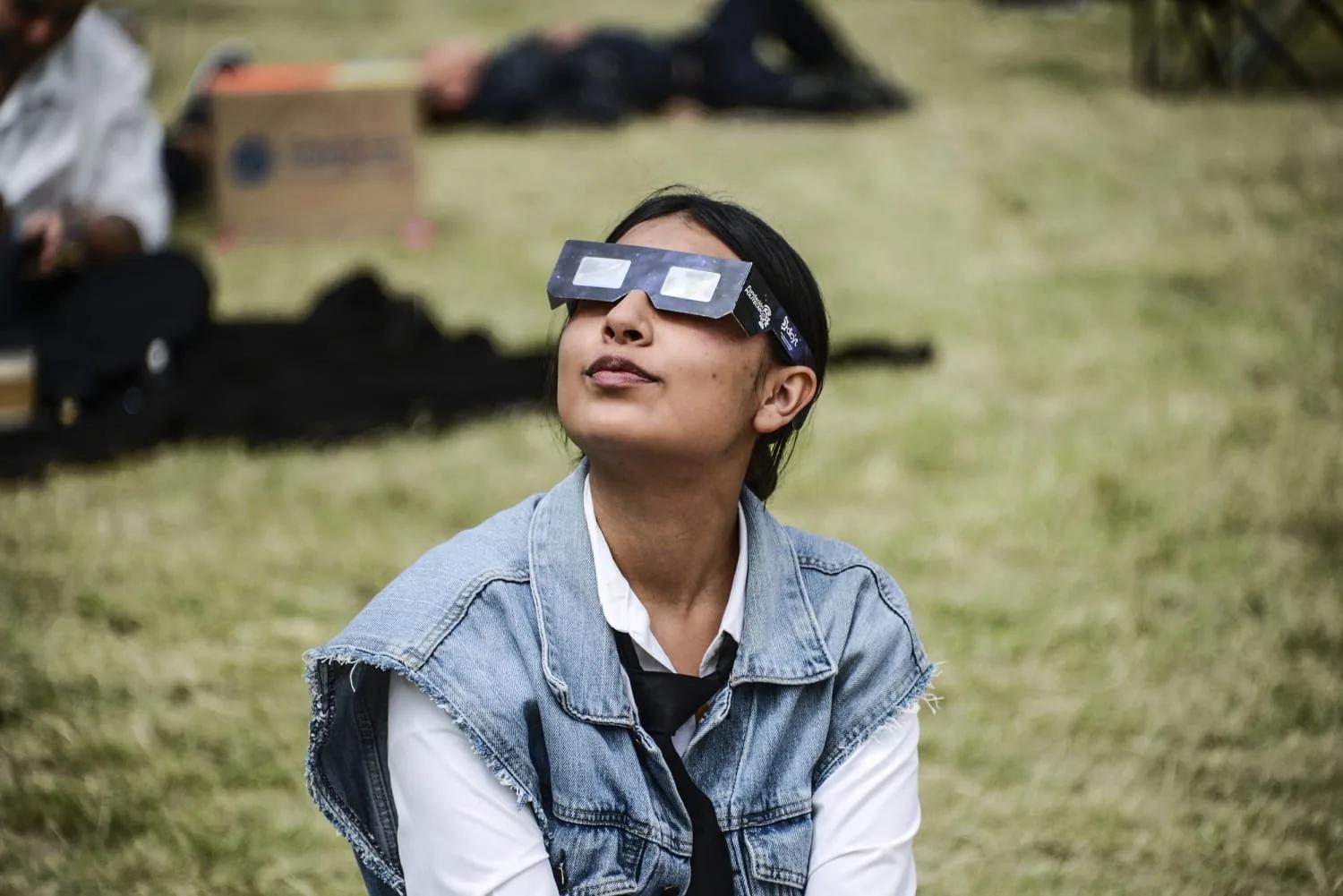
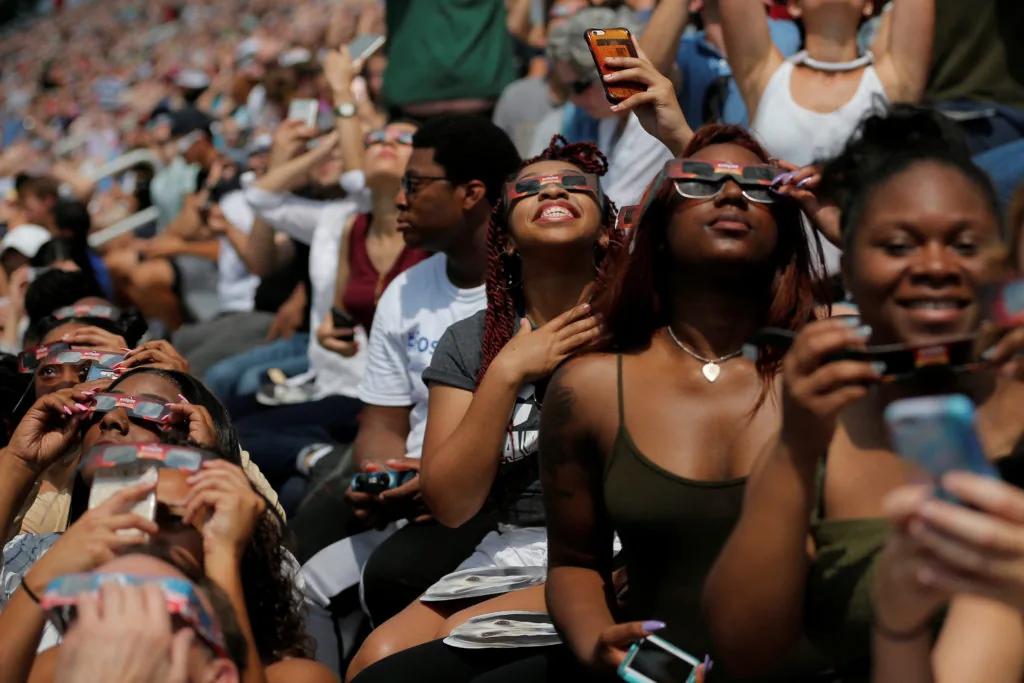
During the partial phases of a solar eclipse, direct viewing requires suitable solar viewers. The same rule applies throughout an annular eclipse because some of the Sun’s bright face remains visible for the entire event. Ordinary sunglasses are not safe, however dark they appear.
Only observers inside the path of a total solar eclipse may view without solar filters, and only during actual totality—when the Moon completely covers the Sun’s bright face. If any brilliant part of the solar surface is visible, keep your viewers on. When sunlight begins to reappear, put them back on immediately. Our guide to eclipse phases and when to use solar glasses walks through that sequence in detail.
This is the essential eclipse countdown app timer accuracy disclaimer: a spoken “glasses off” instruction is secondary to the sky. If your timer reaches zero but you can still see a bright solar crescent through your viewers, leave them on. You may be outside totality, using coordinates from another location or hearing a mistimed cue. If you are uncertain, remain protected and use an indirect projection method.
At the beginning of totality, properly filtered viewers go dark because no direct sunlight remains. At its end, the reappearance of even a tiny brilliant point means filters go back on. A family or school group should appoint a calm adult safety lead who understands this rule rather than delegating it to a phone speaker.
Cameras, binoculars and telescopes need purpose-made solar filters secured over the front of the optics during every partial or annular phase. Eclipse glasses worn on your face do not make it safe to look through unfiltered magnifying equipment; concentrated sunlight can damage the viewer and your eyes.
What a good eclipse app genuinely does well
This is not an argument for deleting every eclipse countdown timer app. Location-aware software can be a terrific planning and accessibility tool. The American Astronomical Society’s app resources demonstrate useful functions: interactive paths, GPS-based local circumstances, tables for selected points, safety education and spoken prompts.
A well-designed eclipse countdown clock app can announce first contact while everyone is unpacking chairs, remind you to look for crescent projections beneath trees, and give advance notice that the final minutes are approaching. Spoken cues are particularly valuable because totality is too short to spend staring down at a glowing screen.
The timer also helps a group rehearse. One person can supervise children’s viewers, another can manage a properly filtered camera, and someone else can watch changing light and weather. Run the sequence before eclipse day so everyone knows who does what. A rehearsal is where you discover that the phone is muted, a battery pack is empty or an alert contains a confusing instruction—not when the Moon’s shadow is already arriving.
The best division of labor is straightforward:
- The map answers where: partial, annular or total; distance from the path edge; local geometry; possible relocation options.
- The ephemeris answers when: calculated contact times for the selected coordinates.
- The weather forecast answers whether clouds may intervene: useful, but uncertain and subject to change.
- The timer supplies cues: reminders and atmosphere, not independent evidence that totality has begun.
- The real Sun controls eye protection: bright solar surface visible means filters on.
An eclipse countdown app timer accuracy disclaimer iphone listing or an eclipse countdown app timer accuracy disclaimer android listing should make that hierarchy clear. A polished interface cannot collapse five different jobs into one infallible number.
Build an offline plan before you need one
Eclipse sites often combine weak mobile coverage with an unusually large crowd trying to use the same network. A data connection that worked during a scouting visit may become slow or unavailable on eclipse day. Remote coastlines, mountain roads and rural observing areas add ordinary coverage gaps to that temporary congestion.
Before leaving reliable service:
- Save screenshots or a printout showing your observing point, path boundaries and local contact times.
- Download offline road maps for the primary site and realistic weather alternatives.
- Open the eclipse tool once in airplane mode and confirm that the map, timings and audio still function.
- Write the key times on paper, including their time zone.
- Charge the phone and battery pack, then disable unnecessary background activity.
- Give another person a copy of the plan so one failed device does not become a group failure.
Do not assume that “downloaded” means fully offline. Some apps store the interface but request map tiles, location data, account authentication or event files from a server when opened. Test the entire workflow: launch the app from a closed state, select the event, retrieve the saved site, display the circumstances and play a sample alert without connectivity.
An eclipse countdown app timer accuracy disclaimer free label does not resolve these questions, nor does the phrase eclipse countdown app free guarantee offline maps. The feature to verify is local storage, not the price shown in an app store.
A five-minute reliability audit
You do not need to reverse-engineer the software. A short, disciplined check catches the mistakes most likely to affect your day.
1. Verify the event
Confirm the calendar date and eclipse type. For the next major European total eclipse, the date is August 12, 2026. Make sure the app has not retained a 2024 North American event, loaded a different future eclipse or converted the date incorrectly across a time zone.
2. Verify the pin
Compare the displayed point with your intended observing site in the Helioclipse 3D map. Check the path relationship and local duration. If the site is close to an edge, choose a point deeper inside the path when practical; a few extra kilometers can provide a valuable margin.
3. Verify the clock
Enable automatic time and time-zone settings, compare the device with an independent accurate clock, and note whether the app labels times as UTC or local time. A one-hour time-zone error is obvious once noticed and disastrous if it is not.
4. Verify the behavior
Run any built-in rehearsal. Lock the screen, switch on the power-saving mode you expect to use and test the audio. Check Bluetooth connections, focus modes and notification permissions. If alerts fail under realistic conditions, plan to keep the app open or use a different cue system.
5. Verify the safety language
Reject any instruction that treats a computed timestamp as unconditional permission to look at the Sun. Good guidance distinguishes totality from partial and annular phases, emphasizes location, and tells you to respond to the actual disappearance and return of the bright solar surface.
This practical audit is what the unwieldy label eclipse countdown app timer accuracy disclaimer is trying to capture. The calculation can be excellent while the device state, location input or human interpretation is wrong.
Precision should support the experience, not consume it
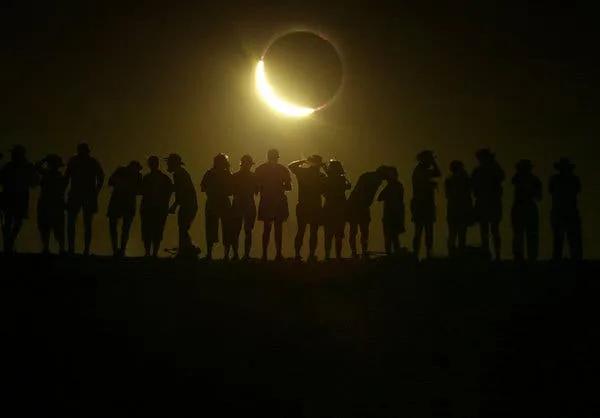
A countdown earns its place when it helps you look up. In the last 15 minutes before totality, the quality of daylight may become strangely metallic, shadows sharpen, temperatures can fall and the western sky may darken as the umbra approaches. Beneath leafy trees, ordinary gaps project hundreds of tiny crescent Suns onto the ground.
Then events accelerate. Baily’s beads and the diamond-ring transition unfold near the contacts; the corona appears only during totality; and the first returning point of direct sunlight ends the unfiltered view. Those are physical events, not animations triggered by a notification.
Put the phone where its audio can be heard, but do not hold it in front of your face. Choose two or three things you most want to notice—the corona’s structure, the horizon glow, your children’s reactions—and let somebody else record if recording matters. A countdown should give the moment rhythm without becoming the moment.
That is the point behind the phrase eclipse countdown apps: helpful theater, dangerous precision—why the map still wins. The map establishes whether the performance applies to your location; the sky confirms what is happening; the clock merely helps you anticipate it.
Do not mix dates, eclipses or kinds of explanation
Future-eclipse questions can become attached to timer pages even when they refer to completely different events. For example, why will the sun disappear for 6 minutes in 2027? refers to the total solar eclipse of August 2, 2027, not the 2026 eclipse. Near the point of greatest eclipse, 2027 totality lasts about 6 minutes 23 seconds, making it the longest totality of the 21st century. Most sites receive less, and locations outside that event’s path do not see the Sun disappear completely.
Likewise, what does the bible say about the solar eclipse? is a question about religious texts and interpretation, not eclipse prediction. Cultures and faith traditions have attached many meanings to eclipses, but an app calculates geometry: the positions of the Sun and Moon relative to a location on Earth. It cannot establish a spiritual meaning, and a historical interpretation cannot supply safe modern contact times.
Keeping those categories separate prevents a timer from becoming an all-purpose authority. Astronomy predicts where the shadow falls. Maps show how that prediction intersects Earth. Weather determines whether the sky is visible. Communities decide how they understand and commemorate the event.
Gear should be ready before the countdown begins
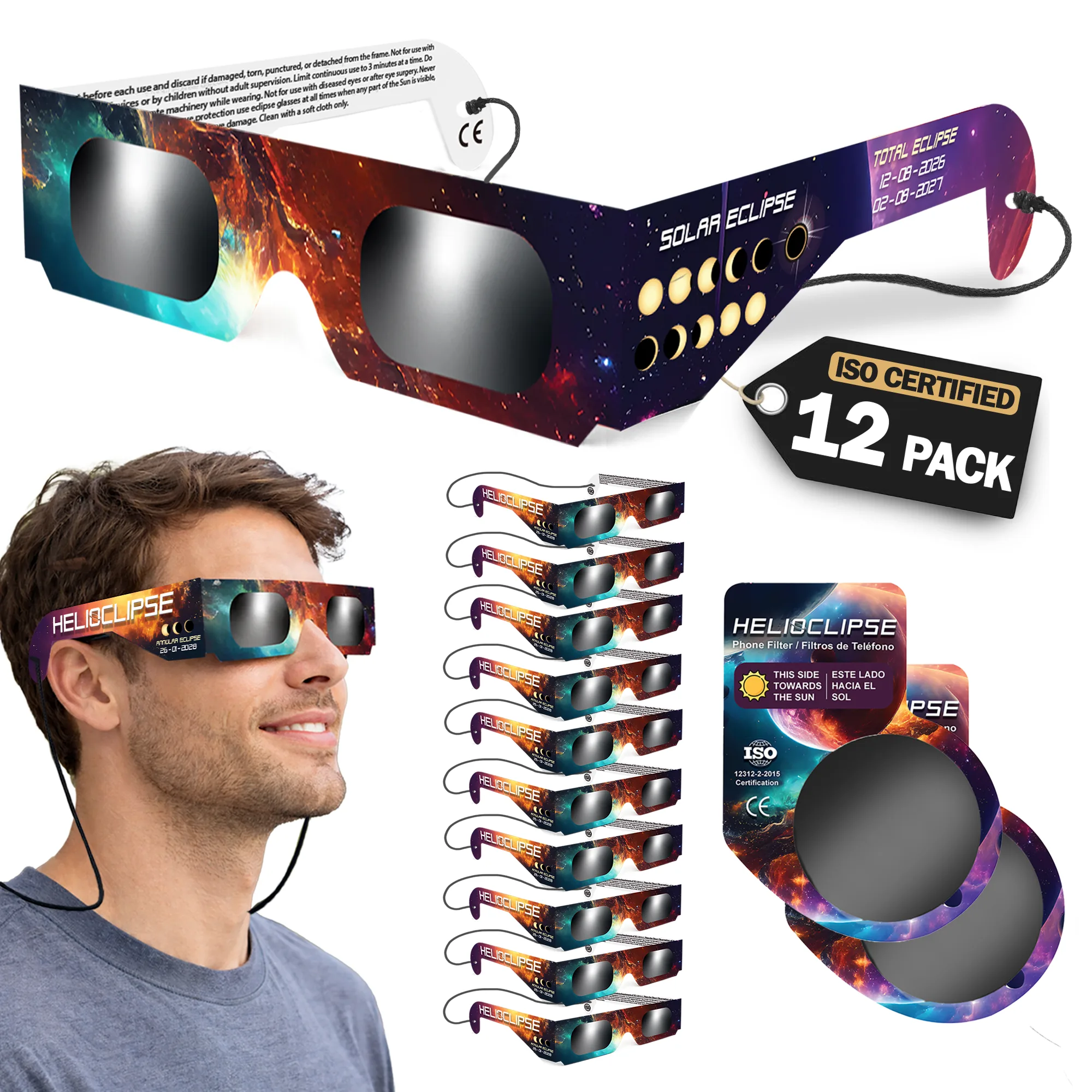
Buy or distribute viewers early enough to inspect them and rehearse with children. Product language can be confusing: solar eclipse glasses iso 12312-2 certified and certified solar eclipse glasses refer to the relevant international standard for direct solar viewers, while vague phrases such as approved solar eclipse glasses do not identify who supposedly granted approval. NASA provides safety guidance but does not approve particular viewer brands.
Before use, read the instructions and inspect every viewer for tears, punctures, detached lenses or scratches. Discard damaged units. Put the viewer over your eyes before turning toward the Sun, then turn away before removing it. Adults should supervise children throughout the partial phases.
Our Helioclipse solar eclipse glasses are the practical counterpart to the map-first plan: establish where you will be, know which phases you will experience, and make sure everyone in your family, school group or travel party has suitable protection before the date arrives.
Frequently asked questions
Does this guide discuss what the Bible says about a solar eclipse?
No. The article focuses on practical eclipse planning, including location-specific timing, map-based path information, and safe viewing decisions rather than religious interpretations.
What should I avoid doing during a solar eclipse?
Do not treat a countdown timer as permission to uncover your eyes while bright sunlight is still visible. Avoid relying on a generic or national countdown, especially if it may use the wrong coordinates, stale data, or a drifting device clock.
What is the safest way to use an eclipse timer while watching?
Use the timer as a cue, not as the authority for viewing decisions. Confirm the eclipse circumstances at your exact observing site on a map, then let the Sun’s actual appearance determine whether bright sunlight remains visible.
What should readers understand about the accuracy limits of eclipse countdown timers for 2026?
A countdown can show precise-looking seconds while still being wrong for your location or delayed by the device. For the August 12, 2026 eclipse, crossing a path boundary can change the event from total to partial, so site-specific map information matters more than a single displayed time.
Can I rely on an older eclipse countdown app for a future eclipse?
No, not without checking that its eclipse data and coordinates are current and match your exact observing site. The article notes that timers can carry stale data, use the wrong location, or depend on phone clocks and notifications that may not be reliable.
On-site next steps
- Pin your exact observing site in the Helioclipse Eclipse Explorer, then note whether it is inside totality, near an edge or in the partial zone.
- Save the local circumstances and a backup route offline; do not rely on one phone or a live data connection.
- Review when glasses stay on and when totality permits them to come off.
- Arrange ISO 12312-2 eclipse viewers for the whole group early, inspect them before use and keep a few spares protected in their packaging.
Sources & further reading
- American Astronomical Society: Totality: Your Solar Eclipse Companion
- Space.com: Plan your perfect 2026 total solar eclipse experience with these smartphone apps
- Space.com: Turn Your Smartphone into an Eclipse Tool Kit with Essential Apps
- Sky & Telescope: Apps to Help You See the Solar Eclipse
- Space.com: How to read and understand a solar eclipse map
- American Astronomical Society: Maps, Globes & Calculators
- NASA Science: Eclipse Viewing Safety
- American Astronomical Society: Eyewear & Handheld Viewers
- NASA Science: What to Expect: A Solar Eclipse Guide
- American Astronomical Society: Phenomena You’ll Experience at a Total or Annular Eclipse