When the network quits: offline maps, screenshots, and contingency drills that actually work
A lot of eclipse-day stress is not really about the sky. It is about the last 20 miles: the road that suddenly slows, the message that never sends, the map tile that refuses to load, the group member who took a different exit, the battery that is lower than you thought. That is why a good eclipse day offline maps no phone signal 2026 guide is not doom-prepping. It is just practical planning for a day when many people may be leaning on the same networks at the same time.
The good news is that you do not need a bunker mentality, a satellite truck, or loyalty to one app. You need layers. Before eclipse day, use the Helioclipse Eclipse Explorer / 3D map to understand your path options, totality versus partial viewing, and where your backup sites sit relative to the centerline. Then build a small offline stack that still works if your connection gets slow, patchy, or briefly useless.
Think of this as tactical redundancy without endorsing a single app eclipse planning. One live map is great. One live map plus downloaded tiles, screenshots, written coordinates, a paper note, and a group rendezvous rule is much better.
First, calibrate the risk: the network may struggle, but your phone is not suddenly dead
On big eclipse days, overloaded networks are common enough to plan around. That does not mean every tower fails, every route becomes chaos, or every app stops working. It means you should expect uneven performance: one person gets data, another does not; one road loads, the next does not; messages arrive late; traffic layers lag behind reality.
That distinction matters, because fear makes people overcomplicate things. You do not need to assume total telecom collapse. You do need to assume that the exact moment you want to check a route, text your group, or zoom into a rural turnout may be the moment your connection is weakest.
Your phone still has useful tools even without service. GPS location on most phones can continue to work without a live cellular connection, because positioning is not the same thing as downloading fresh map data. The catch is that the map background, search results, traffic overlays, and rerouting suggestions may be limited or absent unless you prepared them in advance.
That is the heart of eclipse day offline maps no phone signal planning: not panic, just preloading the parts of the day that are predictable.

What to save before you leave home
If you only do one thing, do this the night before: save more than one way to find your site.
A resilient eclipse navigation stack usually has five pieces:
- A primary interactive map plan
Use the Helioclipse Eclipse Explorer / 3D map while you are still online to choose your main viewing area and at least one backup. If you are traveling for totality, this is also the moment to confirm whether you are truly inside the path or only near it. That distinction is everything, and if you want a refresher on why the edge of the path can mean much shorter totality than the center, our guide to August 12, 2026 total solar eclipse: what to expect and how to plan ahead is a good companion read.
- Downloaded offline map tiles for a broad area
Do not just save the final parking lot. Download the wider region: your lodging, the main route, the likely detour corridor, fuel stops, and both backup sites. A common mistake is saving a tiny rectangle around one destination and then discovering that the useful reroute lies just outside it.
- Screenshots that show the decision points
Take screenshots of the route overview, the final turns into your site, the backup site, and the local road names around both. If your app behaves strangely, screenshots are often faster than poking at menus in a field with glare on the screen.
- Written anchor information
Put the essentials in a note on paper and in your phone: site name, nearest town, latitude/longitude, one or two road junctions, parking instructions if relevant, and a meetup time. If your group splits up, written anchors beat vague texts like “we’re near the hill.”
- A group contact and fallback rule
Decide in advance what happens if nobody can reach anybody. For example: “If we lose contact after 11:30 a.m., everyone goes to Backup Site B by 1:00 p.m. If that fails, we all return to the petrol station in Town X after maximum eclipse.” That one sentence can save a lot of wandering.
This is also the right moment to charge power banks, car chargers, and cables. Sky & Telescope’s eclipse-day reminders and Astronomy’s step-by-step planning advice both push the same basic lesson: the boring supplies matter because they protect the good part of the day.
Offline maps are not the same as eclipse maps
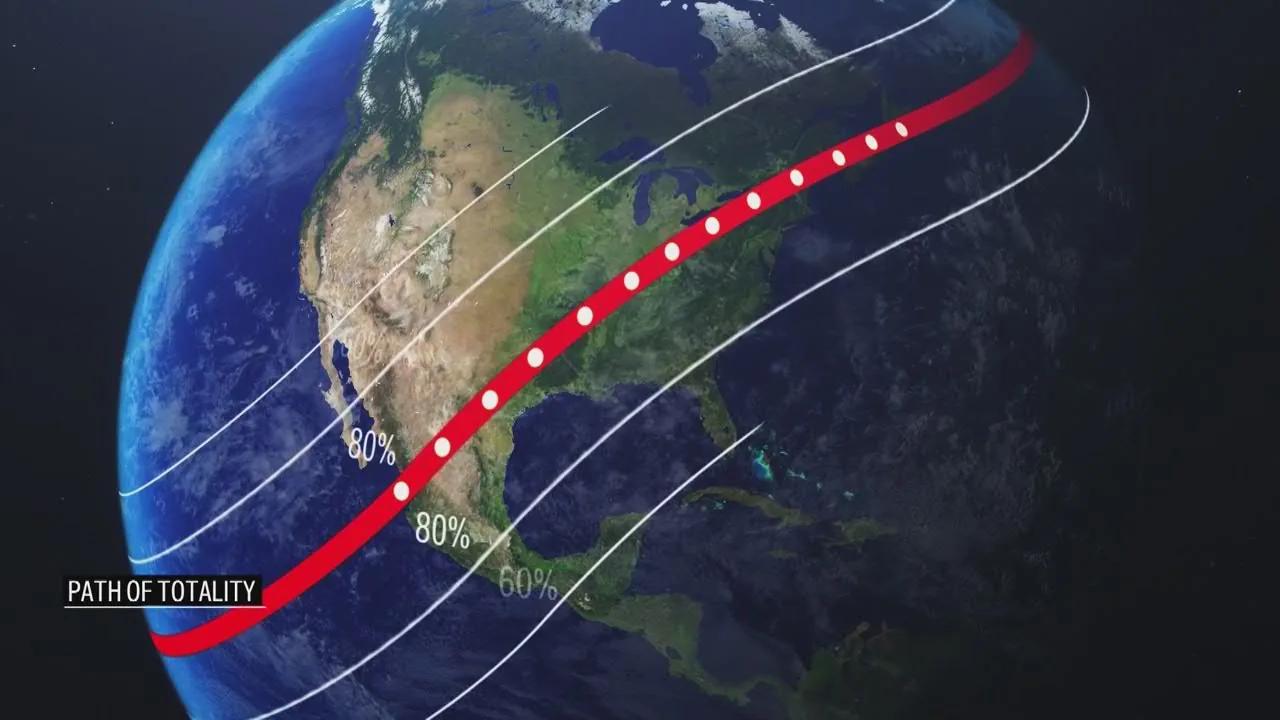
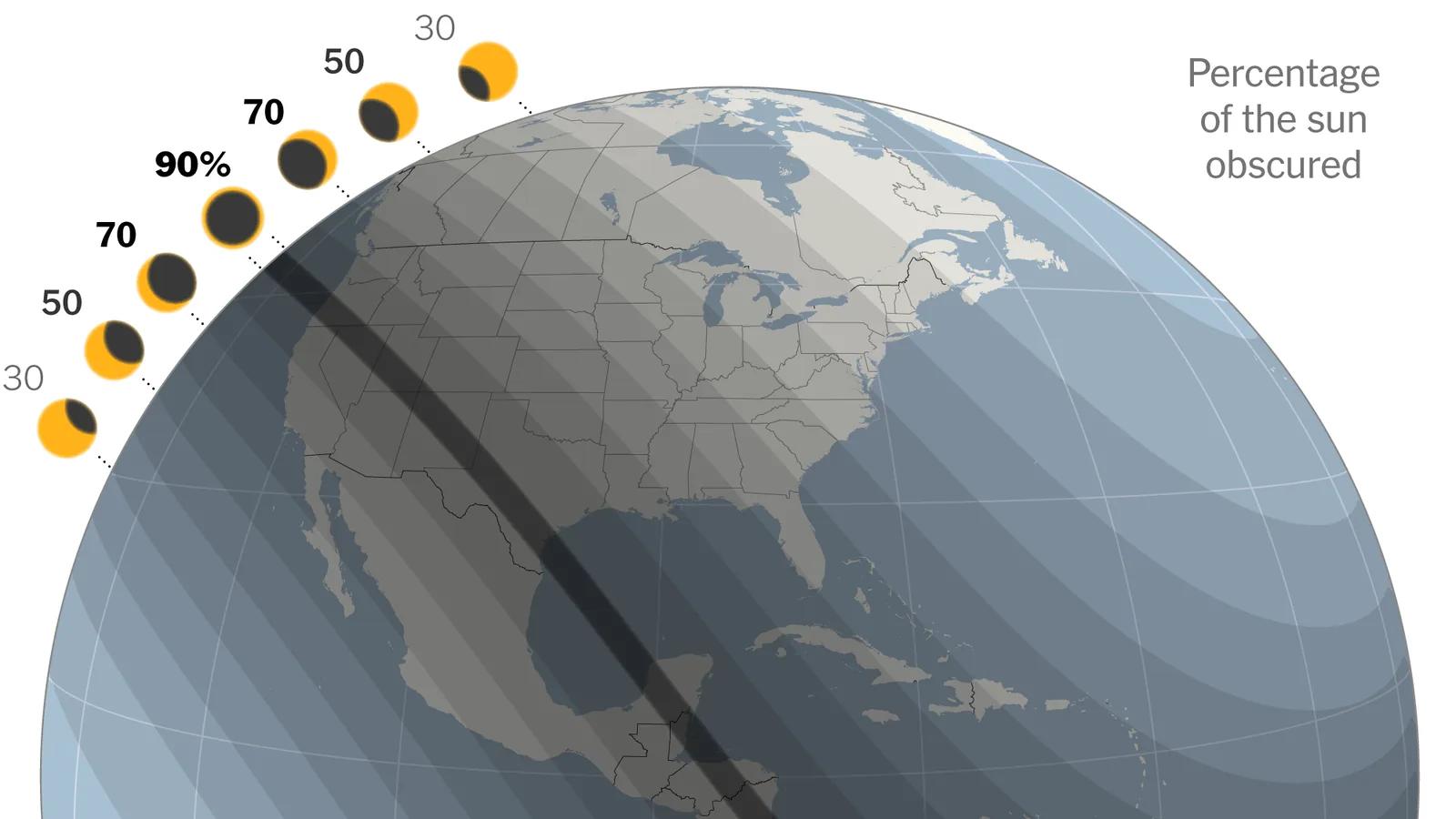
Many people blur these together, and that is where trouble starts. A road-navigation app tells you how to move through a landscape. An eclipse map tells you what the sky will do at a location.
That difference is why eclipse map mobile planning should always happen in two passes. First, use an eclipse-specific tool to understand the event itself: are you in totality or not, how close are you to the centerline, and what tradeoff are you making if you move north, south, east, or west? Then use your navigation tools to solve the driving problem.
The Helioclipse Eclipse Explorer / 3D map is where we recommend doing the first pass while you still have a connection. General map apps are excellent at roads, but they do not teach eclipse geometry. Space.com’s explainer on reading eclipse maps makes this point clearly: global maps help you choose a region, while local maps matter for exact positioning. Astronomy Magazine’s atlas-style coverage makes the same case from a traveler’s perspective: the closer you are to the center of the path, the longer totality lasts, and local timing lines matter for last-mile decisions.
So if you hear someone say eclipse maps off, ask what they mean. Off compared with what? A road app may be perfectly fine while telling you nothing about totality duration. An eclipse map may be scientifically right while being useless for a blocked farm road. You need both kinds of information, and you should not expect one tool to do the whole job.
The screenshot method: low-tech, fast, and surprisingly hard to beat
If you have ever watched people fumble with a phone in bright daylight, you already know why screenshots are underrated.
A screenshot does not need signal. It does not care whether your app signed you out, whether your battery saver disabled background refresh, or whether the map layer is loading slowly. It opens instantly. That matters when you are trying to confirm, in a queue of cars, whether the next turn is the small road by the quarry or the one after it.
Take screenshots at three scales:
- Regional view: where your main and backup sites sit relative to major roads.
- Town approach view: the last 5 to 15 miles, where wrong turns become expensive.
- Final access view: the exact entrance, turnout, field gate, or parking area.
Label them in your photo favorites or a dedicated album so you are not scrolling through family pictures to find the right one. If you are traveling with others, send the screenshots before service gets bad. Do not assume that a shared link will open later.
For many groups, the best practical answer to eclipse day offline maps no phone signal reddit threads is not some secret app trick. It is this: save the route, save the images, write down the coordinates, and agree on the fallback.
Coordinates, landmarks, and the “anchor point” rule
Addresses are useful until they are not. Rural viewing sites may not have a clean postal address. Temporary parking areas may be described by organizers in plain language. Some places have multiple entrances. Some roads change names. Some pins are just wrong enough to waste time.
That is why we like an anchor-point rule: every site in your plan gets one precise coordinate pair and one human-readable description.
For example:
- Primary site: 43.1234, -2.5678 — gravel turnout 2 km west of Village A on Road N-000
- Backup site: 43.0987, -2.5432 — football ground parking south of Village B
- Rendezvous point: fuel station at Junction C
This is the simplest defense against the feeling that eclipse maps wrong. Often the map is not truly wrong; the pin is imprecise, the access point is different from the center of the field, or the user assumed the label referred to the parking entrance rather than the viewing area.
Written anchors also help if one person in the group is using iPhone, another is using Android, and a third is following a car display with its own quirks. The phrase eclipse day offline maps no phone signal android sounds device-specific, but the real issue is usually not Android itself. It is whether the route, tiles, and destination details were saved in a way that survives a weak connection and a hurried handoff between people.
Why offline maps sometimes fail anyway
Offline is not magic. It is a backup mode with limits.
Here are the most common reasons people think they prepared, then still get surprised:
They downloaded too small an area
If your saved map covers only the destination, it may not include the detour you suddenly need. Download the corridor, not just the dot.
They assumed search would still work normally
Some apps handle offline search well; others are weaker with business names, temporary pins, or obscure rural features. Save the destination itself, not just the hope of searching for it later.
They forgot that traffic is usually a live layer
Offline maps can show roads. They often cannot tell you whether those roads are currently jammed, closed, or crawling. On eclipse day, that distinction matters.
They never tested the setup
The best way to answer does offline map work without internet? is to try it before the trip. Put your phone in airplane mode at home and see whether you can still open the saved area, find your pinned site, and follow the route logic.
They waited too long
If you are asking why can t i download offline maps at midnight from a hotel with weak Wi-Fi, you are already making the day harder. Download early, then confirm the files are actually present.
They confused location with connectivity
A phone can know where it is while still being unable to fetch new data. That is why people ask why is maps saying i'm offline? even when the blue location dot still appears. The device may still have GPS position, but not the network access needed for fresh tiles, traffic, or cloud-synced searches.
If you want one simple drill, do this: the day before departure, switch to airplane mode for five minutes and walk through your plan. Open the saved map. Open the screenshots. Open the note with coordinates. If any part fails, fix it while you still can.
Build a group plan that survives silence
Most eclipse-day failures are social before they are technical. One car stops for fuel. Another keeps driving. Someone decides to chase a cloud break. Someone else assumes the group chat is enough. Then the messages stall.
A good group plan answers four questions in advance:
- Who is the decision-maker if the weather changes?
- At what time do we stop improvising and commit to a site?
- Where do we meet if messages stop sending?
- When do we give up on reuniting before the eclipse and switch to after-eclipse rendezvous?
This matters even more if you are balancing weather mobility with eclipse geometry. If clouds are part of your decision tree, pair this article with our guide to Cloud cover and eclipse day: how to read the sky and when to move. The best places and timing for eclipse day offline maps no phone signal planning are not just about roads; they are about deciding when movement helps and when it only burns time.
A practical group script might sound like this:
- “We reassess weather at 9:00 a.m.”
- “If we move, we move only once.”
- “No route changes after 11:30 a.m. unless the sky is clearly unusable.”
- “If contact fails, everyone goes to Site B.”
- “After maximum eclipse, we meet at the service area on Highway Exit 14.”
That is not rigid. It is merciful.
Your contingency drill should be boring
The phrase “contingency drill” can sound theatrical. It should not be. The best drill is short, dull, and easy enough that everyone in the car can do it.
Here is a five-minute version:
Drill 1: Airplane mode test
Turn on airplane mode. Confirm that you can still:
- open your saved map area
- view your screenshots
- read your written coordinates and meetup note
- identify your primary and backup site
Drill 2: Battery reality check
Check that every person has a charging cable that fits their device, and that at least one power bank is actually charged.
Drill 3: Verbal handoff
Ask one other person to explain the plan back to you: primary site, backup site, rendezvous point, and cutoff time for changing plans. If they cannot say it, the plan is not shared yet.
Drill 4: Safety gear check
Make sure your viewers are packed where they will not be crushed or forgotten under luggage. If you need a refresher on safe use during partial phases versus totality, read When glasses on, when glasses off: eclipse phases explained for first-time viewers.
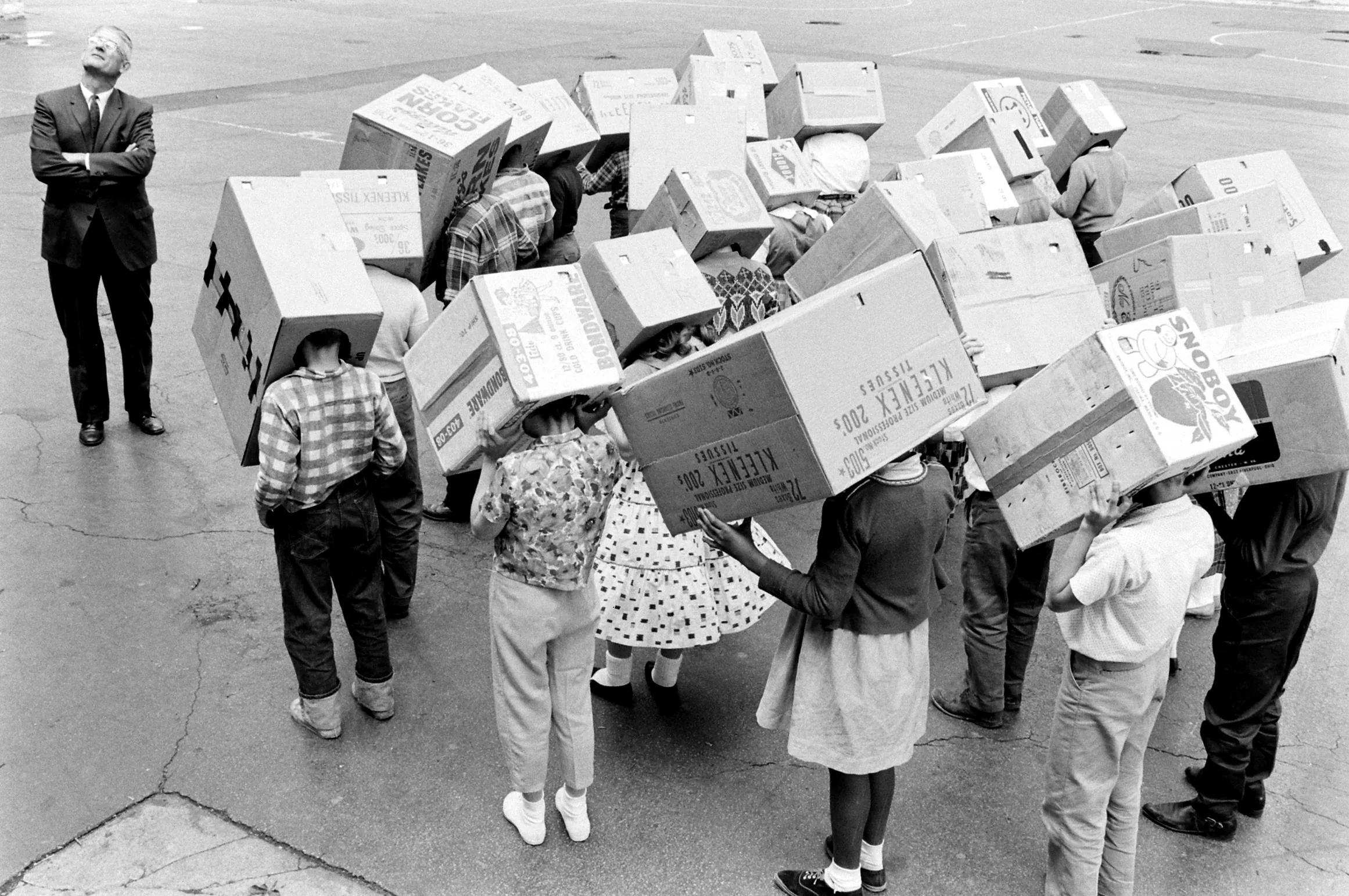
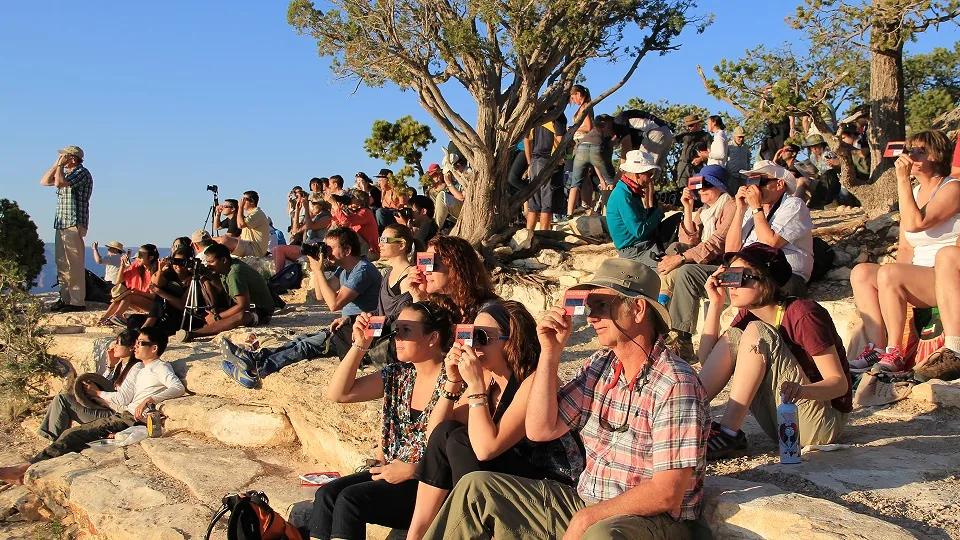
That last point matters because navigation stress can make people sloppy. The American Astronomical Society is clear: outside totality, or during any partial or annular eclipse, direct solar viewing requires proper solar filters that meet ISO 12312-2. Ordinary sunglasses are not enough.

Do not let navigation anxiety make you miss the eclipse you actually have
This is especially important for partial-eclipse viewers and for people near, but not inside, totality.
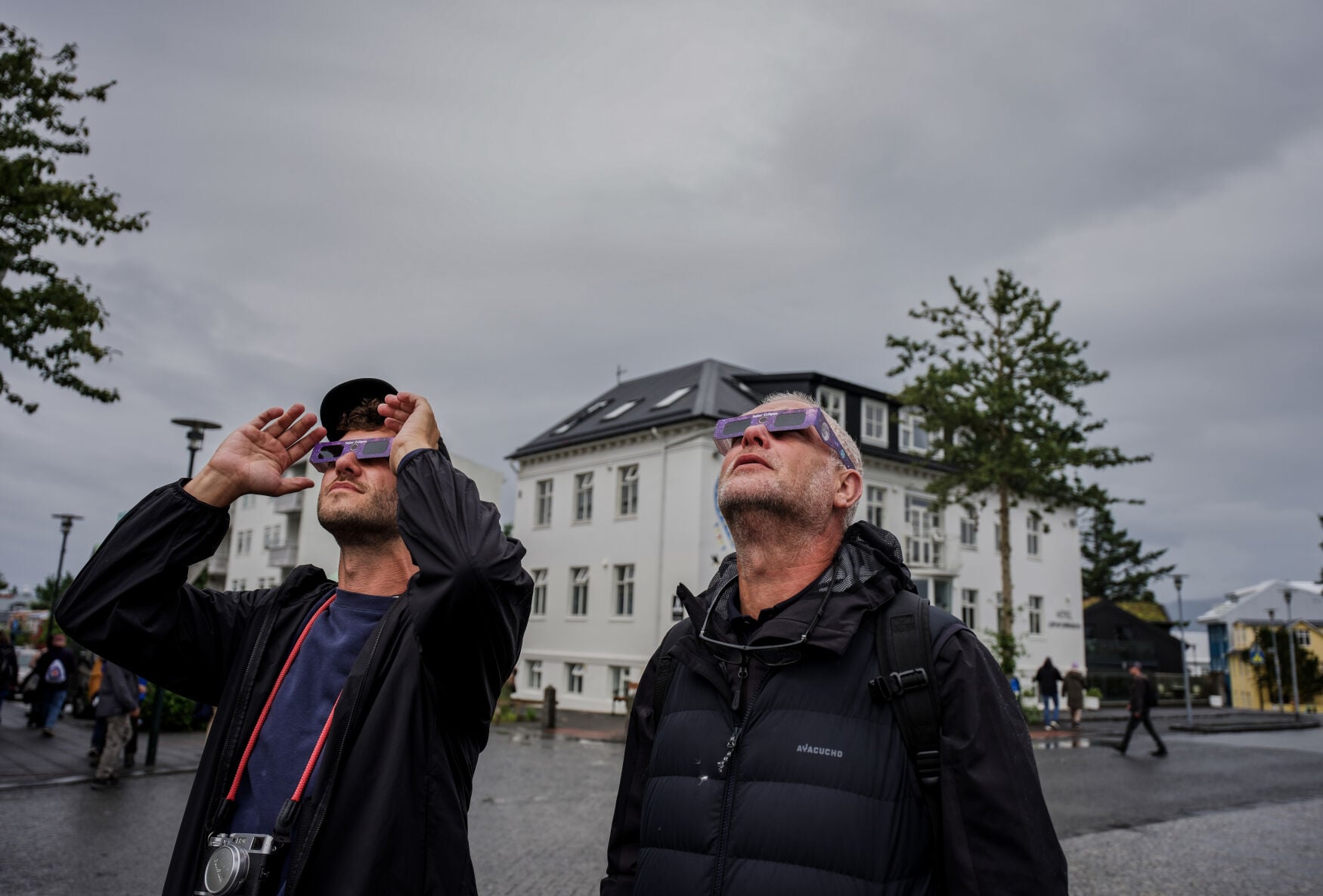
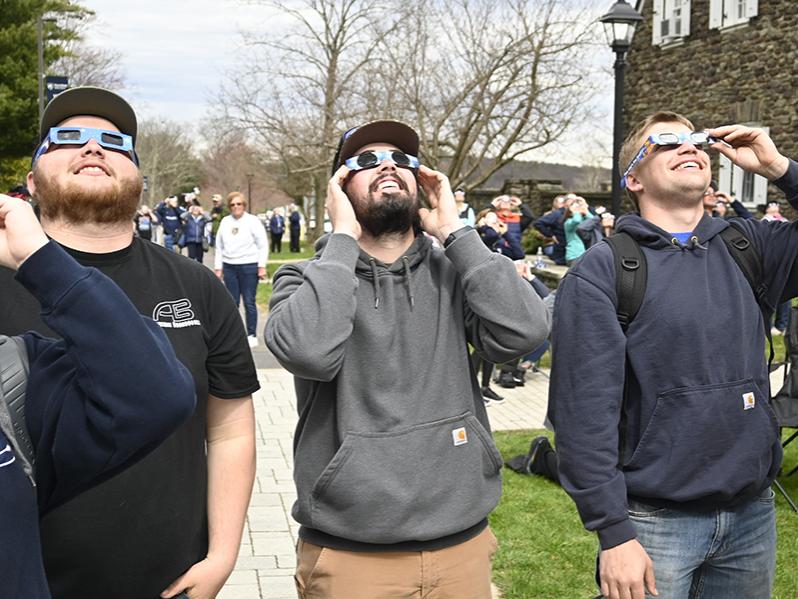
If you are not going to make the path in time, stop pretending you might. A calm, well-chosen partial-eclipse site is better than a frantic drive that ends in disappointment. NASA and the AAS both emphasize the basic geometry: only observers inside the narrow path of totality get the brief safe window to remove eclipse glasses and see the corona. Everyone else is watching a partial eclipse and needs certified eye protection the whole time.
That is why your map work should happen early. On eclipse day itself, the goal is not to keep optimizing forever. It is to know what you are aiming for, arrive with margin, and be present when the sky changes.
A quick note on weird search terms and misleading “Eclipse” results
Because “Eclipse” is used in other fields, search results can get messy. If you have stumbled across what is the eclipse treatment planning system?, that is not a solar-eclipse map question at all; it refers to radiation-therapy software, not eclipse viewing or travel planning.
Likewise, eclipse gps map update can mean anything from a phone-navigation issue to a car system update to a misunderstanding about whether an eclipse app needs fresh data. For eclipse travel, the practical question is simpler: what information must be current on the day, and what can be saved beforehand? Roads and site access need checking close to departure. Eclipse geometry does not suddenly reinvent itself that morning.
So separate the stable facts from the live variables:
- Stable: path location, totality versus partial, approximate duration by position in the path
- Live: weather, traffic, temporary closures, crowd behavior, your group’s timing
That split keeps you from chasing unnecessary updates while forgetting the basics you actually need.
The gear that supports the plan
This is not a gadget arms race. A few small items do more for eclipse-day resilience than a pile of fancy accessories:
- fully charged phone
- car charger
- power bank
- paper note with coordinates and contacts
- water and snacks
- a pen or pencil
- certified viewers packed where you can reach them quickly
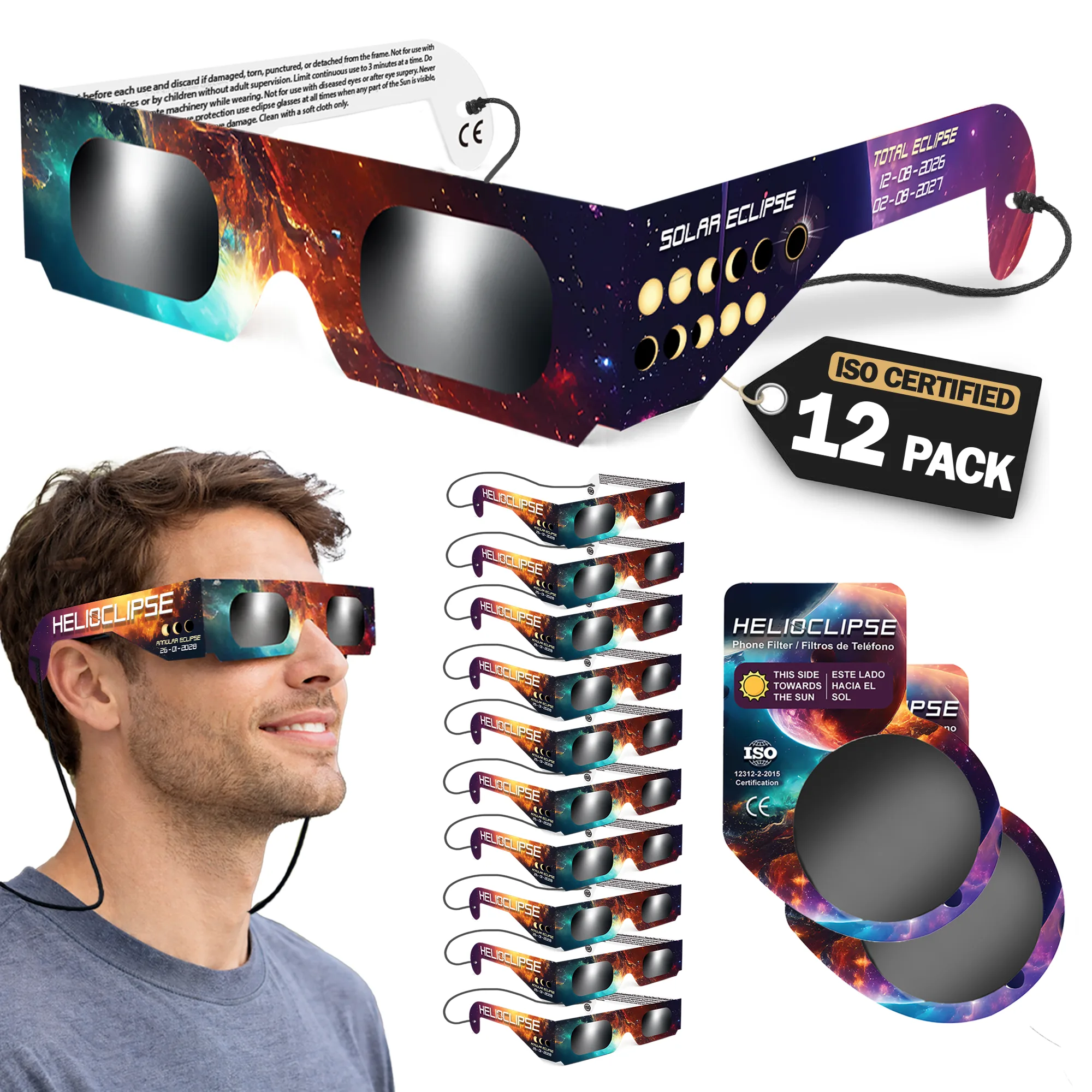
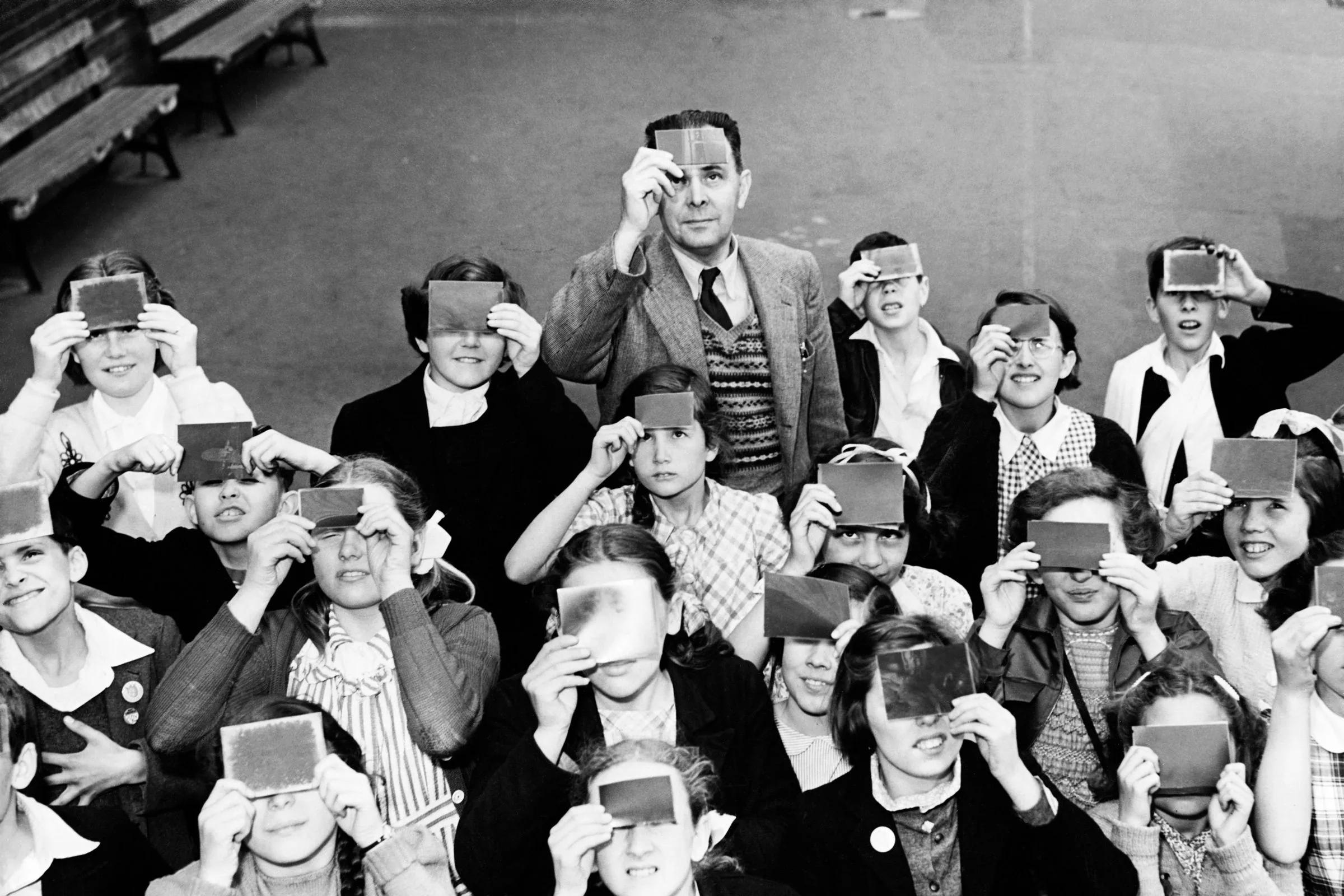
If your group still needs eye protection, buy early from the Helioclipse shop for eclipse glasses. Clear labeling matters here: people often shop using phrases like approved solar eclipse glasses, solar eclipse glasses iso 12312-2 certified, or certified solar eclipse glasses, but what matters is that you verify the product information carefully and use viewers as directed.
And if you are sharing viewers among family or friends during the slow partial phases, that can be perfectly sensible when done safely. The AAS notes that not everyone in a group needs to stare continuously; brief looks every few minutes are enough to see the Moon’s progress.
The real goal: less screen time, more sky time
Offline planning is not about becoming obsessed with failure modes. It is about earning calm.
When you know your route, your backup, your meetup rule, and your safety gear are already sorted, you stop treating the phone as a life-support machine. You can look up. You can notice the light sharpening, the temperature dropping, the crowd changing tone. You can hand a pair of viewers to a child without also trying to reload a map.
That is the point of redundancy. Not more tech dependence. Less.
If you remember one sentence from this whole guide, make it this: save the map, save the screenshots, write down the anchors, share the fallback, and test the plan once before the day arrives.
Eclipse Safety Video - How to Safely View the Sun
Saint Louis Science Center
Frequently asked questions
What kind of planning system helps on eclipse day when routes and messages may not load reliably?
A layered offline planning system helps most. The excerpt recommends using a live map while online, then backing it up with downloaded map tiles, screenshots, written coordinates, a paper note, and a group rendezvous rule so you still have options if the network gets slow or patchy.
How can I use a map tool to prepare for eclipse travel before I lose signal?
Use it while you still have a connection to compare your main viewing area with at least one backup site. The article says to check path options, totality versus partial viewing, and where backup sites sit relative to the centerline before you leave home.
What should I know about planning for eclipse day when I may have no phone signal?
Expect uneven network performance rather than a total shutdown. Your phone’s GPS can still work without cellular service, but map backgrounds, search results, traffic layers, and rerouting may be limited unless you saved them in advance.
What is the safest way to watch a solar eclipse?
The excerpt does not give viewing-safety instructions, so it does not say how to observe the eclipse safely. It focuses on travel and connectivity planning, not eye protection or viewing methods.
How should I plan if weather or visibility changes make my first viewing spot less useful?
Plan for backup sites before eclipse day and know how they relate to the centerline and your main route. The article also suggests saving screenshots, coordinates, and a rendezvous rule so your group can regroup even if conditions or connectivity change.
On-site next steps
- Explore your route and viewing options in the Helioclipse Eclipse Explorer / 3D map. Use it while you are online to compare primary and backup sites, check whether you are inside totality or planning for a partial eclipse, and understand the centerline tradeoff before the road gets busy.
- If your group still needs viewers, visit the Helioclipse shop for eclipse glasses and order early so safety is not a last-minute problem.
- For more planning help, browse the Helioclipse blog and build your eclipse-day checklist before travel week, not from a car queue.
Sources & further reading
- 10 Things You Might Forget You Need on Eclipse Day
- How to read and understand a solar eclipse map
- Detailed maps of totality for the 2024 eclipse
- How to view the April 8 eclipse: A step-by-step planning guide
- How to Do Eclipse Outreach On and Off the Path
- Totality: Your Solar Eclipse Companion
- How to view a solar eclipse safely
- Eclipse basics
- NASA Science — Eclipses
- How to Shoot Solar-Eclipse Images & Videos